
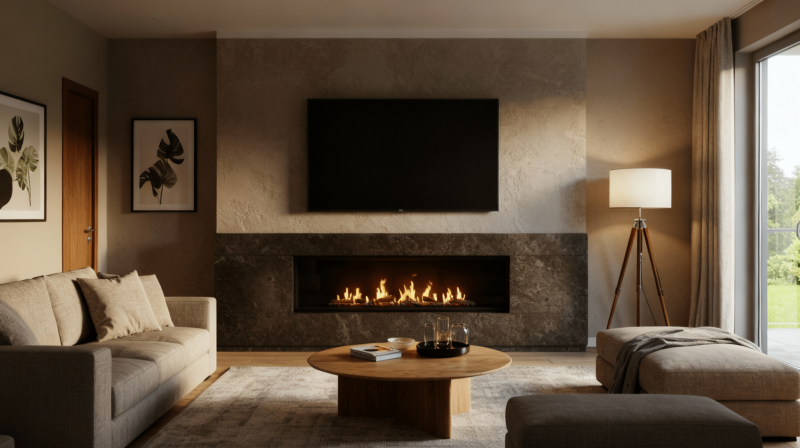
Thinking about mounting TV above fireplace?
Hold on. Many people make this mistake and end up with neck pain, glare issues, and damaged electronics from heat exposure.
It seems like a great way to save space and create a focal point, but doing it wrong can cost you money and comfort.
But with the right techniques and precautions, you can mount your TV above the fireplace safely.
Let me tell you how.
Should You Place a TV Over Fireplace?
This setup divides homeowners into two camps.
People love how it saves wall space and creates a natural gathering spot for family time. It keeps the room looking clean and makes the TV easy to see from anywhere.
Plus, you cannot ignore the fact that it just feels cozy, watching movies with a fire crackling below.
But some argue it’s not ideal.
- The TV sits too high, which can cause neck stiffness
- Heat can damage your expensive TV
- Glare from the windows often hits the screen
What’s better than a pros and cons list to make the right decision?
Pros and Cons
What you need to know before making your decision.
| Pros | Cons |
|---|---|
| Saves valuable wall space in smaller rooms | TV mounted too high causes neck strain |
| Creates a central focal point for the room | Heat from fireplace can damage electronics |
| Easy viewing from multiple seating areas | Screen glare from windows at that height |
| Keeps entertainment setup organized | Installation costs can be expensive |
| Works well for open floor plans | Viewing angle isn’t optimal for comfort |
| Looks clean and modern | Hard to change setup once mounted |
| Good for rooms with limited options | May need special heat-resistant materials |
| Kids and pets can’t reach the TV easily | Sound quality suffers when speakers are up high |
If you watch TV for hours daily, the neck strain might outweigh the space-saving benefits.
But if you only watch occasionally and have limited wall options, it could work just fine for you.
Safety Checklist Before You Mount Your TV
Safety comes first when you’re dealing with heavy electronics and power tools.
Before you start drilling holes and lifting your TV, go through this important checklist.
Following these safety steps helps you avoid expensive mistakes and potential injuries.
We’ve created a complete safety checklist you can download and print. Check off each item as you go to make sure your TV mounting project is safe from start to finish.
Mounting TV Above Fireplace: Step-By-Step
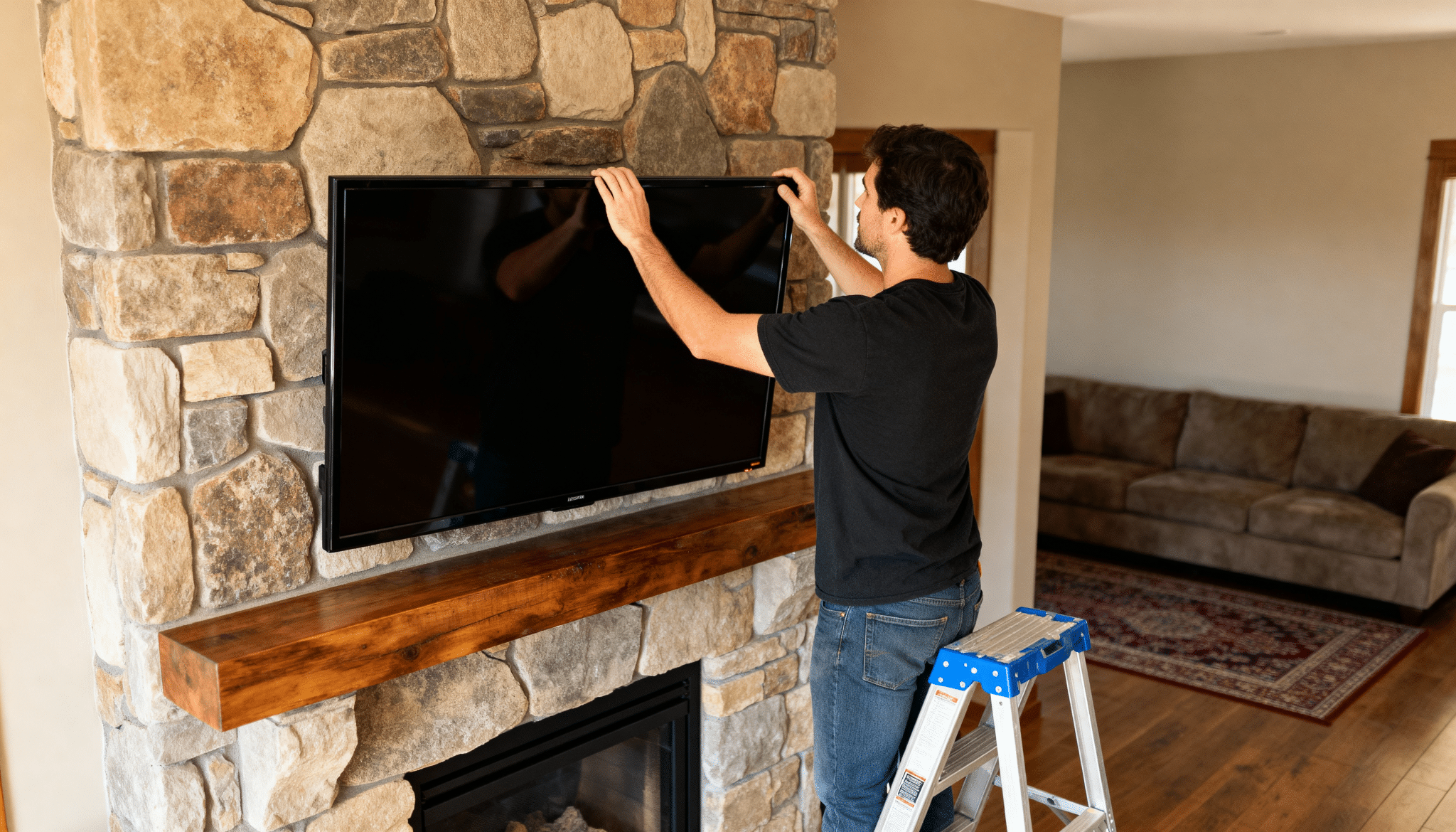
Follow these steps carefully to mount your TV safely and get the best possible viewing experience.
Step 1: Check Heat Levels
Turn on your fireplace and measure the temperature where you plan to mount the TV. Use a thermometer and wait for 30 minutes. If the temperature goes above 100°F, you’ll need a heat shield or mantel extension.
Heat damages TV components over time, so this step matters.
Some fireplaces produce more heat than others, and gas units typically run hotter than electric ones.
Step 2: Find the Right Height
Sit in your usual viewing spot and mark eye level on the wall.
A good rule is 42 inches from the floor to the center of the TV. Measure twice before drilling anything. The goal is comfortable viewing without tilting your neck up for long periods.
Step 3: Locate Wall Studs
Use a stud finder to locate studs behind your wall. Mark them with painter’s tape.
Your mount must attach to studs, not just drywall. Studs are usually 16 or 24 inches apart. If your fireplace has a stone or brick surround, you might need special masonry anchors.
Never trust drywall alone to hold a heavy TV safely.
Step 4: Install the Mount
Attach the mounting bracket to the wall studs using lag bolts. Make sure it’s level before tightening everything down.
Most mounts come with templates to help you drill holes in the right spots.
A tilting mount works best above fireplaces since it lets you adjust the viewing angle downward.
Step 5: Attach TV to Mount
Connect the mounting plate to the back of your TV first.
Then lift the TV and hook it onto the wall bracket.
This part needs two people because TVs are heavy and awkward. Some mounts click into place while others need screws.
Follow your specific mount’s instructions carefully here.
Step 6: Manage Your Cables
Run cables through the wall using an in-wall cable management kit. This helps keep everything looking clean and professional.
You’ll need power, HDMI, and any other connections your setup requires. Cable raceways work if you can’t go through the wall.
Step 7: Test Everything
Turn on your TV and check all connections. Sit in different spots around the room to test viewing angles.
Adjust the tilt if your mount allows it. Make sure the TV feels secure and doesn’t wobble.
Run your fireplace for an hour and monitor the TV’s temperature. If anything feels off, now’s the time to make adjustments before finishing up.
Tips for Mounting TV Above Fireplace
Avoid common mistakes with these simple tips.
- Use a tilting or pull-down mount
- Install a mantel or heat shield
- Measure viewing distance carefully
- Hide cables inside the wall
- Get help lifting the TV
- Test with the fireplace running
- Consider your fireplace type
Alternatives to Mounting Your TV Above the Fireplace
Not sure about TV over the fireplace? Here are some better options to consider.
• Place TV on adjacent wall: This gives you proper eye-level viewing and keeps your TV away from heat completely.
• Use a media console beside the fireplace: Put your TV on a stand next to the fireplace instead of above it for comfortable viewing.
• Install TV in the corner of the room: Corner mounts save space and let you angle the screen toward your seating area.
• Create a built-in entertainment center: Custom cabinets on either side of the fireplace can hold your TV at the right height.
• Mount on opposite wall: If your room layout allows it, putting the TV across from the fireplace works great.
• Use a room divider with a TV mount: Freestanding units let you position your TV anywhere without drilling into walls.
Final Thoughts
I believe mounting TV above fireplace can work if you do it right.
Remember, this setup isn’t for everyone. If you’re getting neck pain or your TV feels too hot, try one of the alternatives we mentioned.
Your living room should work for your lifestyle, not against it.
Grab your tools, measure twice, and don’t rush the process. Got questions or want to share your mounting experience?
Drop a comment below, we’d love to hear from you.